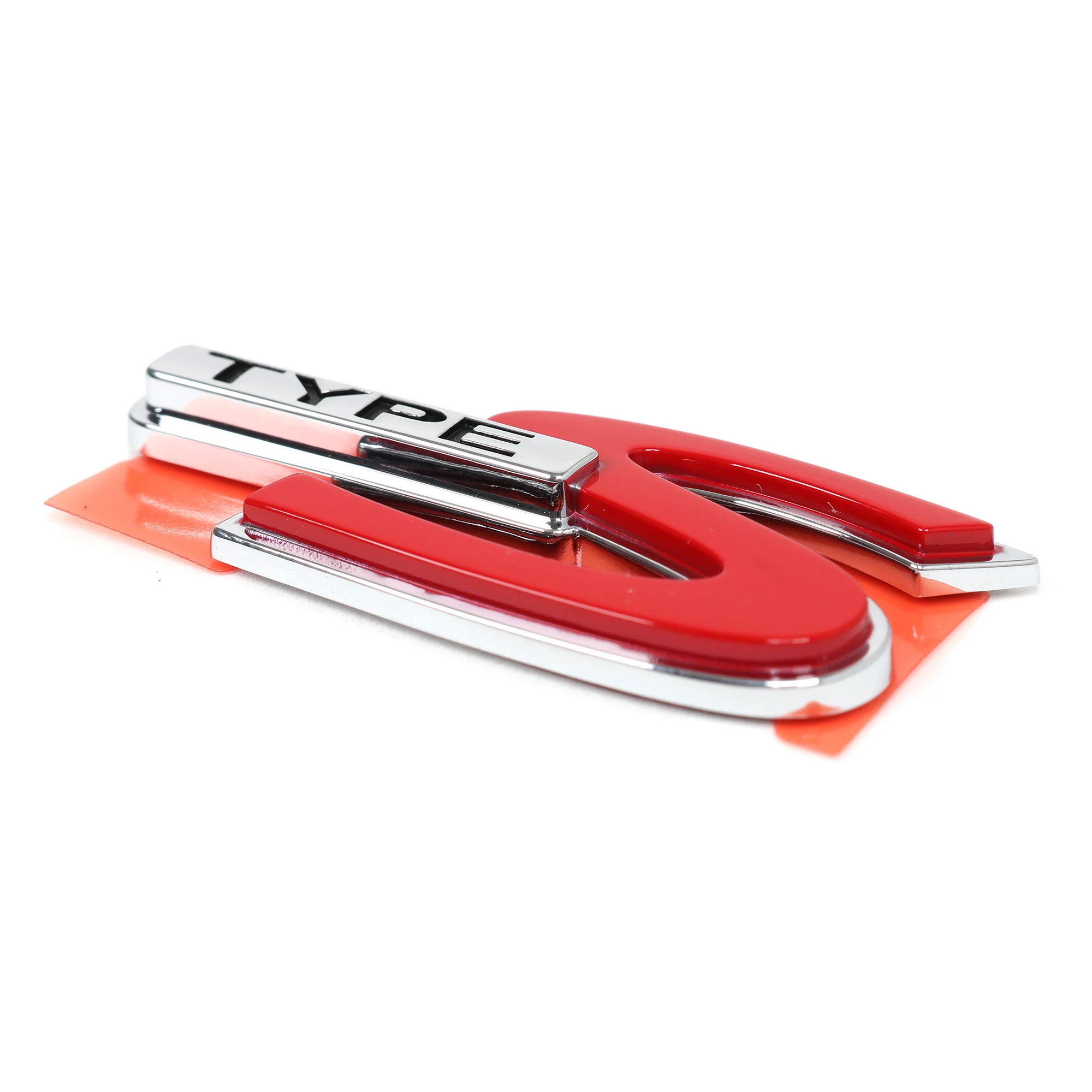
Acura CL/RSX/TL Type S Rear Emblem 75731-S3M-A10
- Genuine Acura Product
- Direct Factory Replacement Part
- Pre-Installed Double-Sided Adhesive
- Compatible with Type S Models of CL, RSX, and TL
- Description
- Vehicle Fitment
- Included
-
Acura CL/RSX/TL Type S Rear Emblem - 75731-S3M-A10
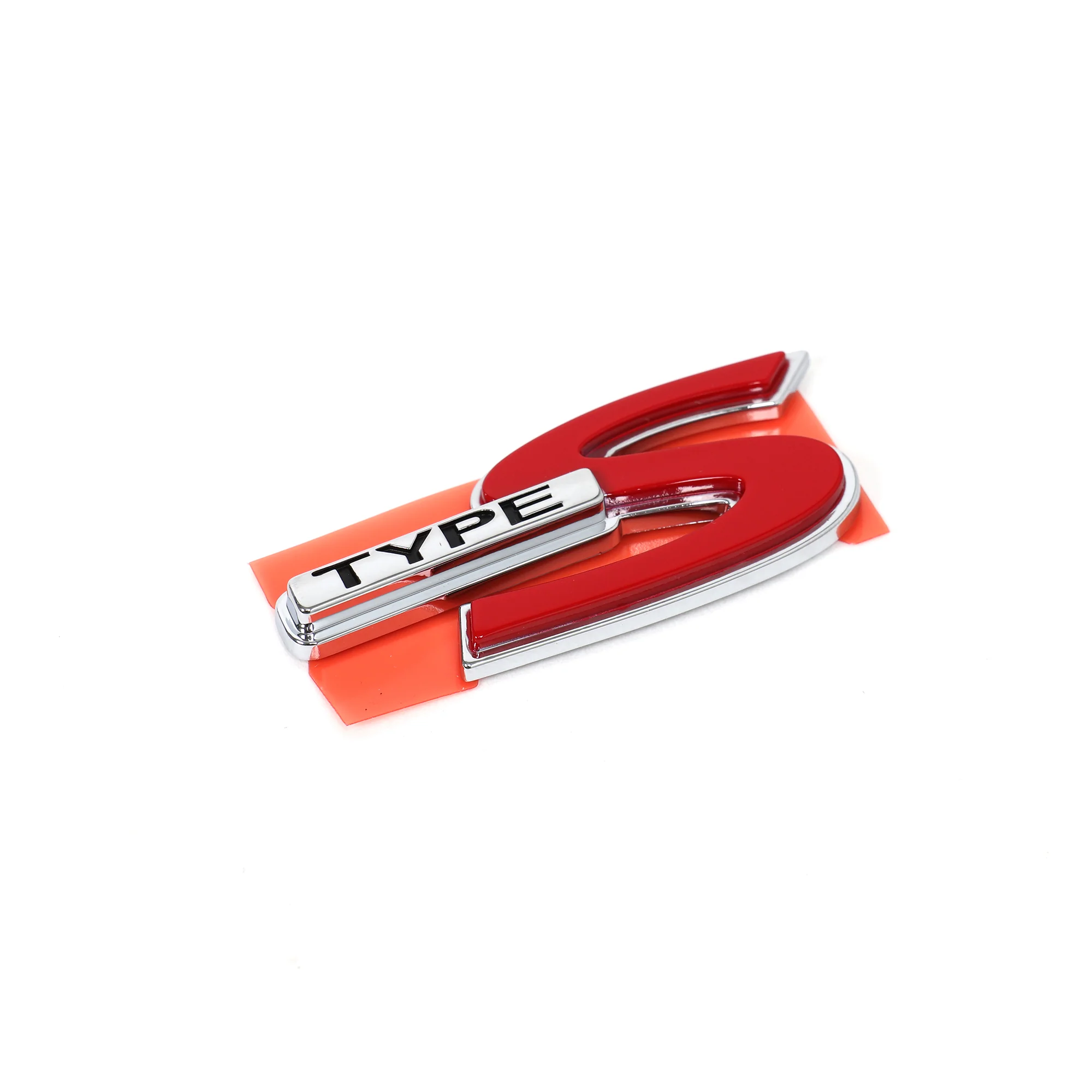
Got a faded or missing Type S badge on the back of your CL, RSX, or TL? The Acura Type S rear emblem (part number 75731-S3M-A10) replaces your old emblem and makes the back of your car look factory fresh again. Your factory emblem gets destroyed from years of sun exposure, car washes, and road grime. The chrome fades, the paint chips off, and the adhesive fails so the badge falls off or it's hanging on by one corner. The new emblem comes with pre-installed double-sided adhesive. You're peeling off your old emblem, cleaning the surface, and sticking the new one on. Takes two minutes.
Here's Why Your Factory Emblem Looks Like Crap
Your factory Type S emblem's been sitting on the back of your car for 20+ years getting cooked by the sun and blasted by road salt and car wash chemicals. The chrome finish oxidizes and fades. The red paint in the "Type S" lettering chips off or it fades to pink. The adhesive backing gets old and fails, so your emblem's either hanging loose or it's already fallen off somewhere. A new emblem makes your car look way cleaner.
Pre-Installed Adhesive
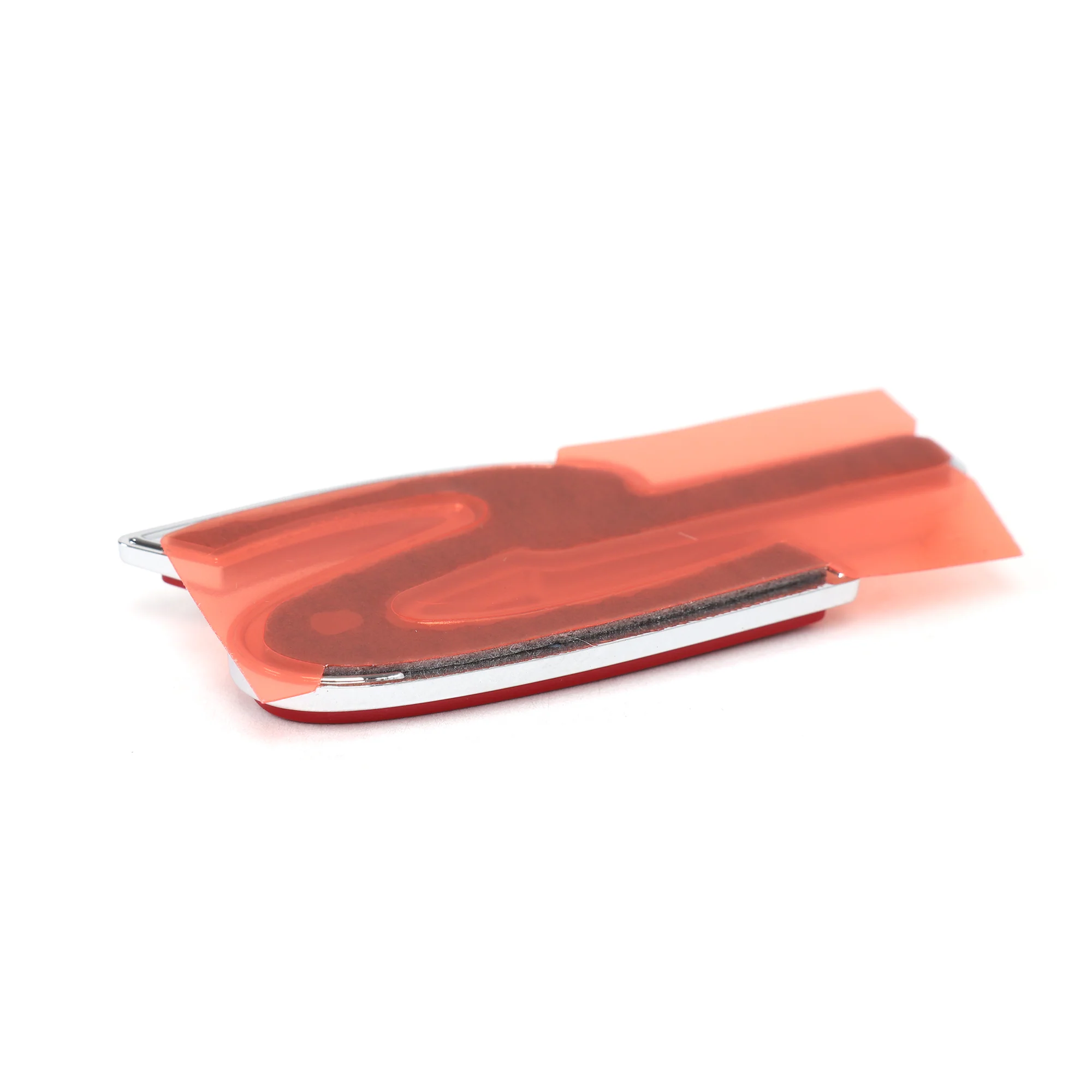
The emblem comes with double-sided adhesive already installed on the back. You're not buying separate adhesive or using glue. Peel the backing off the adhesive, line the emblem up where your old one was, and press it on. That's it. Make sure you clean the surface with rubbing alcohol before you stick the new emblem on. If there's wax, oil, or grime on your trunk, the adhesive won't stick properly and your emblem's going to fall off.
What You Get
- Acura Type S rear emblem
- Part number: 75731-S3M-A10
- Genuine Acura OEM replacement
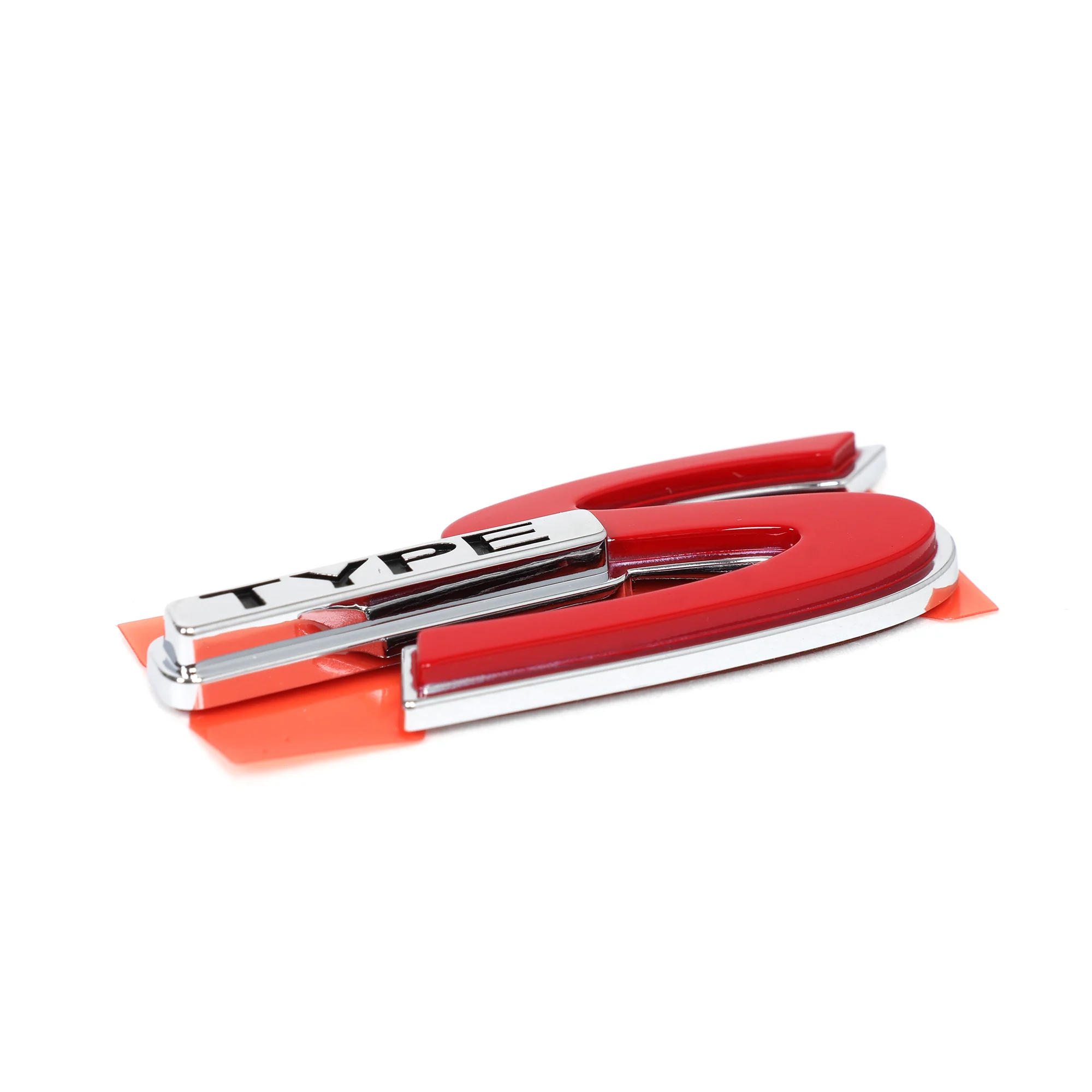
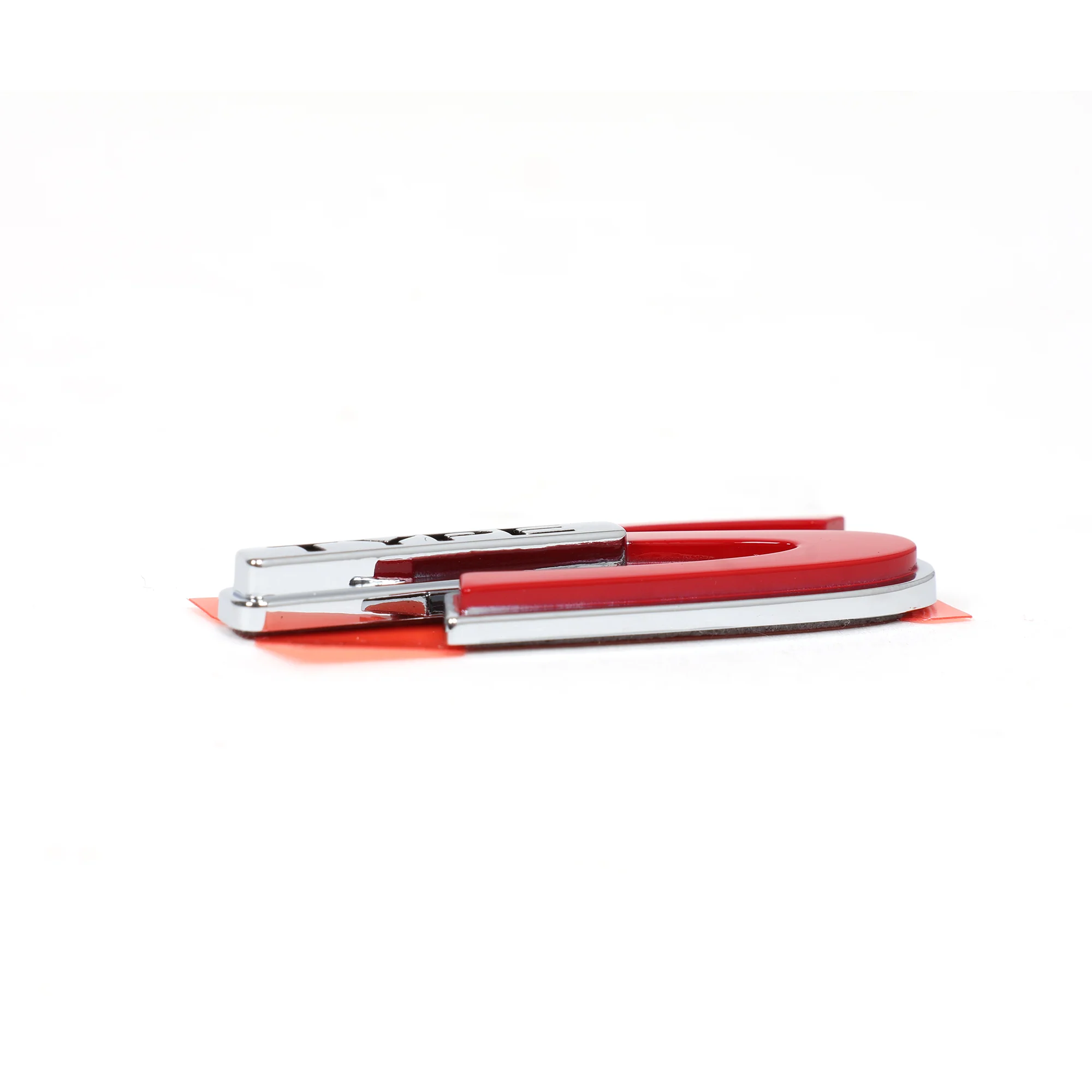
- Chrome finish with red "Type S" lettering
- Pre-installed double-sided adhesive backing
Originally Equipped On
- 2001-2003 Acura CL Type S
- 2002-2006 Acura RSX Type S
- 2002-2003 Acura TL Type S
Note: Clean your trunk or hatch with rubbing alcohol before you install the new emblem. If there's wax, dirt, or oil on the surface, the adhesive won't stick and your emblem's going to fall off. Don't install the emblem in cold weather. If it's below 50 degrees outside, the adhesive won't bond properly. Wait for a warm day or bring your car inside somewhere warm before you install it. Once you stick the emblem on, press it firmly for 30 seconds to make sure the adhesive bonds. Don't wash your car or get the emblem wet for at least 24 hours after you install it. The adhesive needs time to cure.
-
2001-2003 Acura CL Type S2002-2006 Acura RSX Type S2002-2003 Acura TL Type S
- (1) Type S Rear Emblem
Description
- Genuine Acura Product
- Direct Factory Replacement Part
- Pre-Installed Double-Sided Adhesive
- Compatible with Type S Models of CL, RSX, and TL
- Description
- Vehicle Fitment
- Included
-
Acura CL/RSX/TL Type S Rear Emblem - 75731-S3M-A10
Got a faded or missing Type S badge on the back of your CL, RSX, or TL? The Acura Type S rear emblem (part number 75731-S3M-A10) replaces your old emblem and makes the back of your car look factory fresh again. Your factory emblem gets destroyed from years of sun exposure, car washes, and road grime. The chrome fades, the paint chips off, and the adhesive fails so the badge falls off or it's hanging on by one corner. The new emblem comes with pre-installed double-sided adhesive. You're peeling off your old emblem, cleaning the surface, and sticking the new one on. Takes two minutes.
Here's Why Your Factory Emblem Looks Like Crap
Your factory Type S emblem's been sitting on the back of your car for 20+ years getting cooked by the sun and blasted by road salt and car wash chemicals. The chrome finish oxidizes and fades. The red paint in the "Type S" lettering chips off or it fades to pink. The adhesive backing gets old and fails, so your emblem's either hanging loose or it's already fallen off somewhere. A new emblem makes your car look way cleaner.
Pre-Installed Adhesive
The emblem comes with double-sided adhesive already installed on the back. You're not buying separate adhesive or using glue. Peel the backing off the adhesive, line the emblem up where your old one was, and press it on. That's it. Make sure you clean the surface with rubbing alcohol before you stick the new emblem on. If there's wax, oil, or grime on your trunk, the adhesive won't stick properly and your emblem's going to fall off.
What You Get
- Acura Type S rear emblem
- Part number: 75731-S3M-A10
- Genuine Acura OEM replacement
- Chrome finish with red "Type S" lettering
- Pre-installed double-sided adhesive backing
Originally Equipped On
- 2001-2003 Acura CL Type S
- 2002-2006 Acura RSX Type S
- 2002-2003 Acura TL Type S
Note: Clean your trunk or hatch with rubbing alcohol before you install the new emblem. If there's wax, dirt, or oil on the surface, the adhesive won't stick and your emblem's going to fall off. Don't install the emblem in cold weather. If it's below 50 degrees outside, the adhesive won't bond properly. Wait for a warm day or bring your car inside somewhere warm before you install it. Once you stick the emblem on, press it firmly for 30 seconds to make sure the adhesive bonds. Don't wash your car or get the emblem wet for at least 24 hours after you install it. The adhesive needs time to cure.
-
2001-2003 Acura CL Type S2002-2006 Acura RSX Type S2002-2003 Acura TL Type S
- (1) Type S Rear Emblem